Building an online store: stages, timelines and cost
A step-by-step guide: what to prepare before you start, the stages of online store development, how long it takes and what the price depends on.
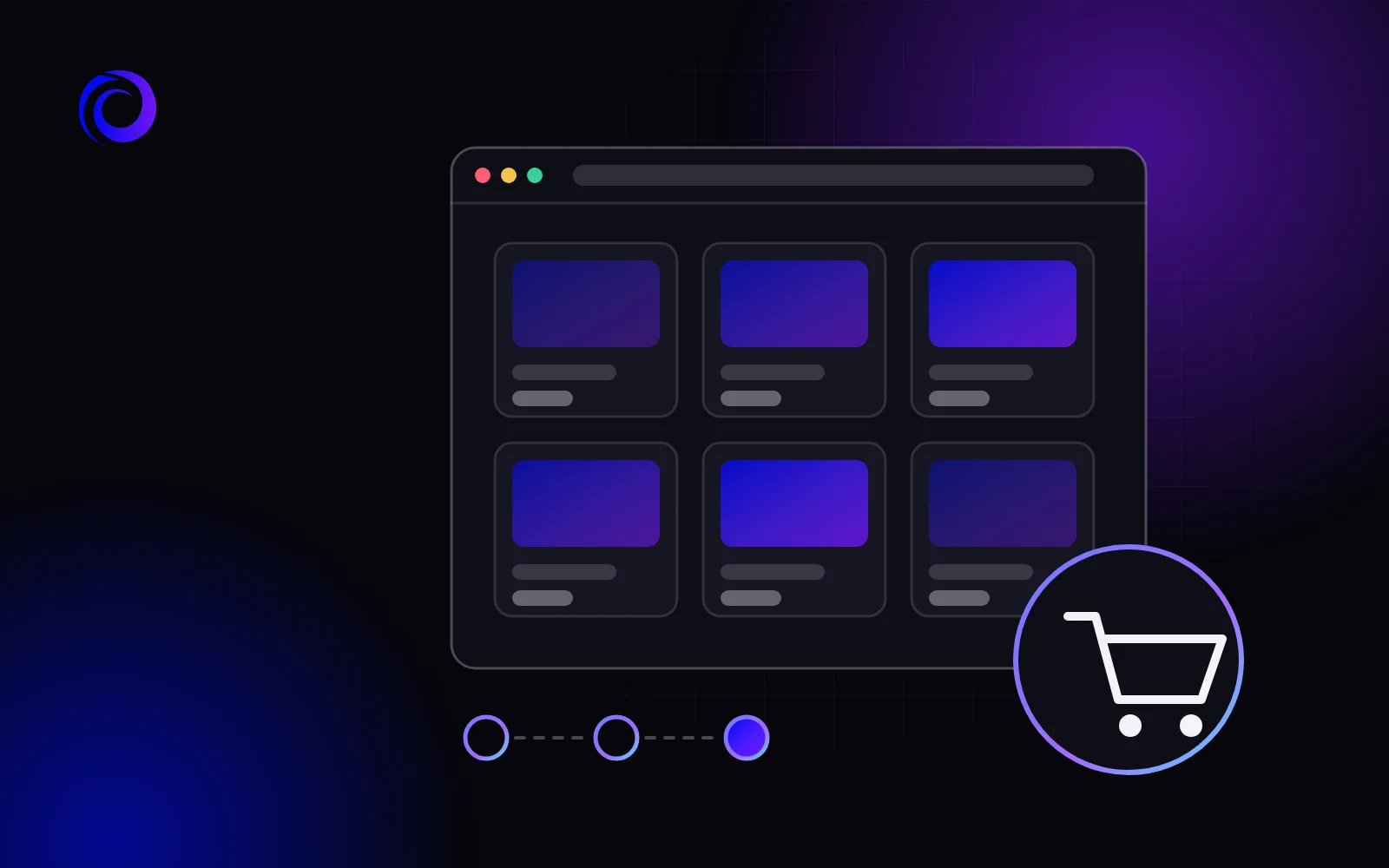
An online store is more than a nice shop window. Behind every product card there is a catalogue, filters, a cart, payment, delivery and analytics, and all of it has to work together. In this guide we explain the stages of building an online store, how long each one takes and what affects the cost.
Before you start: what to decide in advance
Most time and money is lost when important decisions are made during development. So answer a few questions before the start.
- Range. How many products and categories there will be at launch and whether products come in variants (size, colour, configuration).
- Payment. Online card payment, cash on delivery, invoices for businesses — which methods your customers need.
- Delivery. Which delivery services you work with and whether you need pick-up.
- Stock records. Where stock and prices are kept now: in a spreadsheet, in accounting software or nowhere. This decides whether an integration is needed.
- Who will run the store. Who will add products, process orders and answer customers.
The general rules for choosing a contractor, checking the estimate and accepting the work are the same for any website — we collected them in our checklist for ordering a website.
A ready-made store or a turnkey build
There are two ways to launch. A ready-made store adapted to your product group is a faster and more affordable start. It fits when the sales process is standard: catalogue, cart, payment, delivery.
A turnkey store with custom requirements is needed when the task is not standard: complex ordering conditions, special prices for different customers, a product configurator or integrations that ready-made solutions don’t have. Such a project takes longer and costs more, but it is built entirely around your business.
If you are not sure which option you need, we can decide it together at a free consultation and advise where to start.
How to prepare the catalogue for content
Adding content is the stage that most often drags on. To keep it quick, prepare the product data in one file, for example a spreadsheet:
- Names and categories. One naming pattern: product type, brand, model, key attribute.
- Attributes. The same for every product in a category — the filters are built from them.
- Prices and availability. Current at launch, marking which products are available to order.
- Photos. The same format and background, several angles for each product. Photos from suppliers’ sites may only be used with permission.
- Descriptions. Your own texts instead of ones copied from the supplier: product cards then have a better chance of showing in search.
- Service pages. Texts about payment, delivery, returns and warranty.
Stages of building an online store
At our agency, work on a store goes through these stages.
- Brief. We gather your goals, audience, examples and wishes and look at competitors’ sites. At this stage we define the catalogue structure and the payment and delivery options.
- Custom design. We design for your brand — no templates or borrowed themes. We pay special attention to the product card and the cart: that is where the customer decides.
- Prototype and development. We build the structure, make the layout responsive, set up the catalogue, filters and cart and connect an easy admin panel.
- Content. We add products, texts, photos and SEO markup and set up analytics and forms.
- Testing. We check speed, the mobile version, ordering from start to finish, payment and confirmation emails.
- Launch. We publish the store on your domain and support you after the start.
How long it takes to build an online store
We build an online store in up to 20 days. This timeline is realistic when decisions are made on time. Most often a launch is delayed not by developers but by preparation on the store’s side:
- product photos and descriptions are not ready;
- the delivery service or payment system has not been chosen;
- the design is approved by several people, and every round of changes adds days.
To avoid delays, appoint one person who collects the answers and signs off each stage.
How much an online store costs
Online store development at Orlyk Marketing costs from $1000. The price already includes custom design, a responsive layout for smartphones and tablets, a domain name for one year, the first month of hosting free, one month of technical support and basic SEO and analytics setup.
The exact amount depends on several things:
- Catalogue size. The number of categories, product types and their attributes for filters.
- Features and integrations. Online payment, delivery services, custom catalogue features — every integration adds development and testing work.
- Ready-made or turnkey. A ready-made store is cheaper; custom development is for non-standard tasks.
- Moving from an old site. We move the texts and images and set up redirects so you don’t lose search positions.
You can compare the starting prices of an online store and other types of websites on our prices page.
What an online store that sells needs
- A clear catalogue. Logical categories and filters by the attributes customers really choose by.
- A detailed product card. Good photos, a description, the price, availability, delivery and returns terms next to the buy button.
- Simple checkout. A minimum of fields, clear payment and delivery options, no forced registration.
- A mobile version. A purchase should be easy to complete on a smartphone.
- Information about the company. Contacts, returns, payment and delivery — what a customer checks before trusting a new store with their money.
- Analytics. To see which channels bring customers and at which step they abandon the cart.
Mistakes to avoid at launch
- Launching the whole range at once. It is better to start with the key categories and well-made product cards and add the rest gradually than to open a thousand products without photos or descriptions.
- Overcomplicating checkout. Every extra field or forced registration is a reason for a customer to close the page.
- Forgetting the mobile cart. The catalogue may look great, but if entering a delivery address on a smartphone is awkward, there will be no order.
- Not checking emails and notifications. The customer should get an order confirmation, and you should get a notification about the order.
What to track in analytics
From the first day after launch, look not only at the number of visitors but at what they do: which sources the buyers come from, which products get added to the cart and at which checkout step customers stop. This data shows what to fix in the store and where to put the advertising budget.
After launch: how a store gets customers
A launched store does not bring customers by itself — traffic has to be sent to it. Google Ads gives a fast start, including Shopping campaigns with product photos and prices. The long-term channel is SEO: optimised categories and product cards gradually gather search traffic. Both channels are worth planning during development, so the catalogue structure and page addresses are ready for promotion.
See examples of online stores and other websites we have built in our portfolio.
Frequently asked questions
How long does it take to build an online store?
At our agency, up to 20 days. The timeline holds when the content and the decisions on payment and delivery are ready on time.
How much does an online store cost?
From $1000. The exact cost depends on the size of the catalogue, the integrations you need and whether it is a ready-made solution or a turnkey build.
Can online payment and delivery services be connected?
Yes, we integrate the payment systems and delivery services you work with.
Who will add products after launch?
You will: we set up an easy admin panel where products, prices and stock are changed without a developer. At launch we can add the products for you.
Can products be moved from an old site?
Yes, we move the texts and images and set up redirects from the old addresses so you don’t lose search positions.