A corporate website for your company: what it should include
Which sections a corporate website needs, what belongs on the home page, which technical points you can’t skip and how not to turn the site into an outdated brochure.
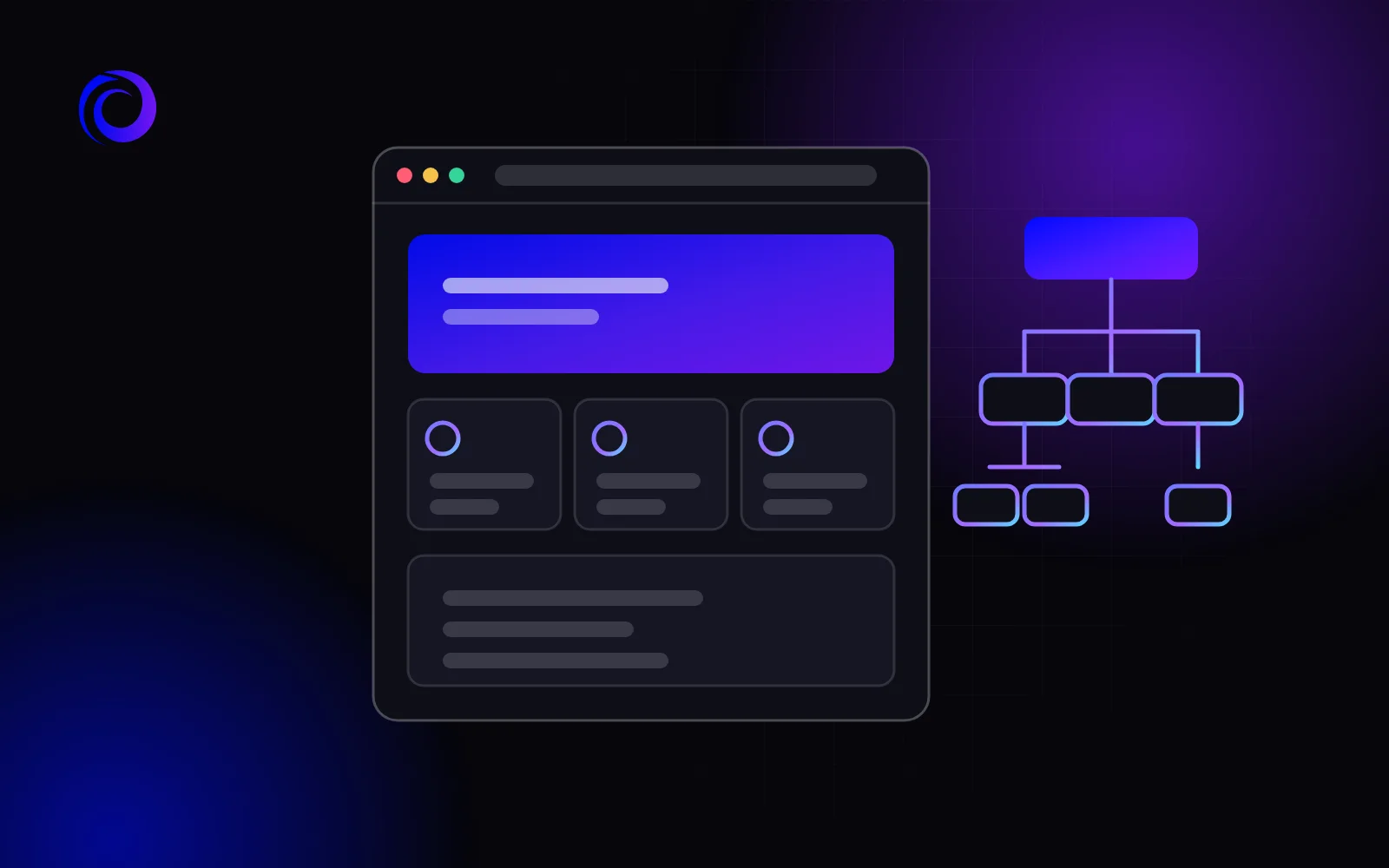
A corporate website is the company’s face online. Clients visit it to choose a supplier, partners to check reliability, and candidates to learn about working there. Each of them needs different information. Here are the sections and features a corporate website should have to really work for the business.
Who a corporate website is for
Unlike a landing page, which leads a visitor to a single action, a corporate website serves several audiences at once:
- clients look for services or products, terms and contacts;
- partners and suppliers check who they are dealing with;
- candidates read about the company and vacancies;
- journalists and investors look for news, facts and documents.
So the structure of a corporate website is built around these audiences: each should quickly find what it needs. Before discussing design, write down which of them matters most to you and what action each should take on the site: send an enquiry, submit a CV, download documents. Both the menu and the order of blocks on the home page depend on this.
Essential sections of a corporate website
Home page
Within seconds a visitor should understand what the company does and where to go next. The home page should have:
- a short, specific description of what you do — no generic phrases like “a dynamic company”;
- the main areas or services with links to their pages;
- advantages you can back up: experience, certificates, clients;
- visible contacts and a call-back button.
About the company
History, mission, team, certificates and awards. Partners and clients read this section to make sure there is a real business behind the site. Specifics work better than slogans: the year you were founded, your areas of work, licences backed by documents.
Services or products
A separate page for each service or product group. That way a client gets complete information about exactly what they are looking for, and search engines can show each page for its own queries. Describe what the service includes, who it is for, how the work goes and how to order.
Portfolio or projects
Completed work convinces better than any text. For a manufacturer these are delivered projects, for a service company — projects and cases. You can see what such a section can look like in our website portfolio.
News
News shows that the company is alive: new products, trade shows, changes in how you work. But the section only works if it is updated. A two-year-old news item on the home page does more harm than having no section at all.
Vacancies
If the company hires regularly, a vacancies page saves HR time: candidates see the terms and requirements straight away and can apply through a form.
Contacts
Phone numbers, email, messengers, an address with a map, opening hours and company details. If there are several departments or branches, give contacts for each. The contact form should be short.
What else you may need
- A partners section — terms of cooperation, a dealer programme, documents to download.
- A product catalogue with specifications and files, if you are a manufacturer or supplier.
- An English version for foreign clients and partners.
- A blog or articles that answer clients’ questions and bring visitors from search.
- Documents and licences, if they matter in your industry.
Technical requirements you can’t skip
- Responsiveness. The site should work equally well on computers, tablets and smartphones.
- Speed. Pages should load quickly even on mobile internet.
- An easy admin panel. Staff should be able to change news, vacancies, texts and contacts themselves, without a developer.
- Basic SEO. Headings, page descriptions, clear addresses and a sitemap, so that search engines show the site correctly.
- Analytics. To see who visits the site, from which sources and what they look for.
- Security. HTTPS, system updates and backups.
Common mistakes
- A brochure site. Lots of general words about “quality and reliability”, but nothing specific about services and terms.
- Confusing navigation. Sections named in the company’s internal language rather than the way clients search.
- Outdated content. Old prices, contacts or news that nobody updates.
- Hidden contacts. To call, you have to hunt for the “Contacts” page in the footer.
- No access to the site. The admin panel and the domain stay with a former contractor, and changing even a phone number is a problem.
A corporate website and search
A corporate website can do more than confirm your reputation — it can bring new clients from search. For that, every service has its own page with a description clients understand, not only in-house specialists. An articles section answers the questions clients ask before buying and leads readers to the service pages. Section names and page addresses are best matched to the way clients phrase their searches at the structure stage — changing them after launch is harder.
How to prepare for development
A corporate website gathers information from across the company, so preparation takes longer than for a business card site. Appoint a project owner and collect:
- a list of services or product groups with short descriptions from the specialists who work with them;
- facts about the company: the year it was founded, areas of work, certificates, licences;
- photos of the team, production and projects — your own rather than stock;
- contacts of departments and branches, company details;
- access to the old site and domain, if you have them.
How to choose a contractor, check the proposal and accept the finished site is covered in our checklist “How to order a website without mistakes”.
How to keep the site up to date
A corporate website ages quietly: a department’s phone number changes, a vacancy closes, a new service appears. To prevent this, give each section an owner and check the site against a simple list: contacts, prices and terms, news, vacancies, whether the forms work. An easy admin panel is decisive here: the simpler it is to make changes, the more often they get made.
Corporate website or landing page
If a company needs to sell one service from advertising, a landing page is often enough. A corporate website is needed when there are several areas of work and several audiences. We wrote about choosing between the formats in detail in the article “Landing page or corporate website: which to choose”.
How much a corporate website costs and how long it takes
Corporate website development at Orlyk Marketing costs from $700 and takes up to 14 days. The price includes custom design in your brand style, a responsive layout, a domain name for one year, the first month of hosting free, one month of technical support and basic SEO and analytics setup. The work goes in stages: brief, design, prototype, content, moving to your domain and testing.
The exact amount depends on the number of sections, the features, language versions and whether content has to be moved from an old site. Starting prices for every type of website are on our website and advertising prices page.
Frequently asked questions
Which sections are essential for a corporate website?
Home, About the company, service or product pages and contacts. Depending on the business, a portfolio, news, vacancies and a partners section are added.
How much does a corporate website cost?
At our agency, from $700. The exact cost depends on the number of sections, the features and language versions.
How long does it take to build a corporate website?
Up to 14 days, provided the content and approvals are ready on time.
Will we be able to publish news and vacancies ourselves?
Yes, every section is managed in the admin panel: you add and change materials without a developer.
Do you move content from an old site?
Yes, we move the texts and images and set up redirects so you don’t lose search positions.